
SolutionComing soon
Field inspections — coming soon
Paper inspection forms get lost and photos live on someone's phone. We're building inspection checklists that attach directly to the Orbit asset record.
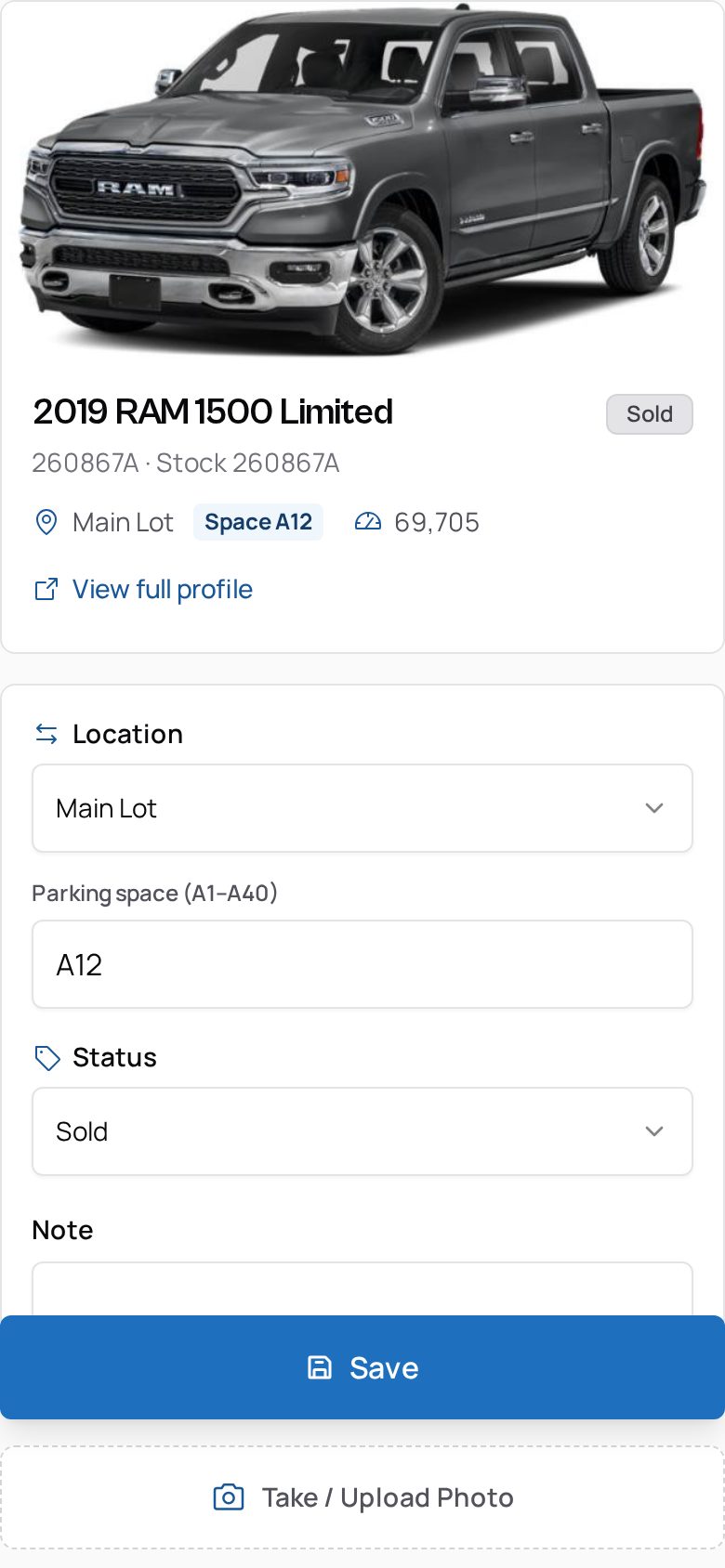
How it works with Orbit
- 1
Scan the asset's QR label
- 2
Complete a digital checklist with required photos
- 3
Submit — the report attaches to the asset record
- 4
Managers review results and due-date alerts
What you get
- Inspection due alerts already ship today for scheduled assets
- Checklists, photo capture and PDF reports are in development
- Tell us what your forms need — early customers shape the feature
See it on your own assets.
A 20-minute demo with a real label and a real phone — no slides.
See it in the app
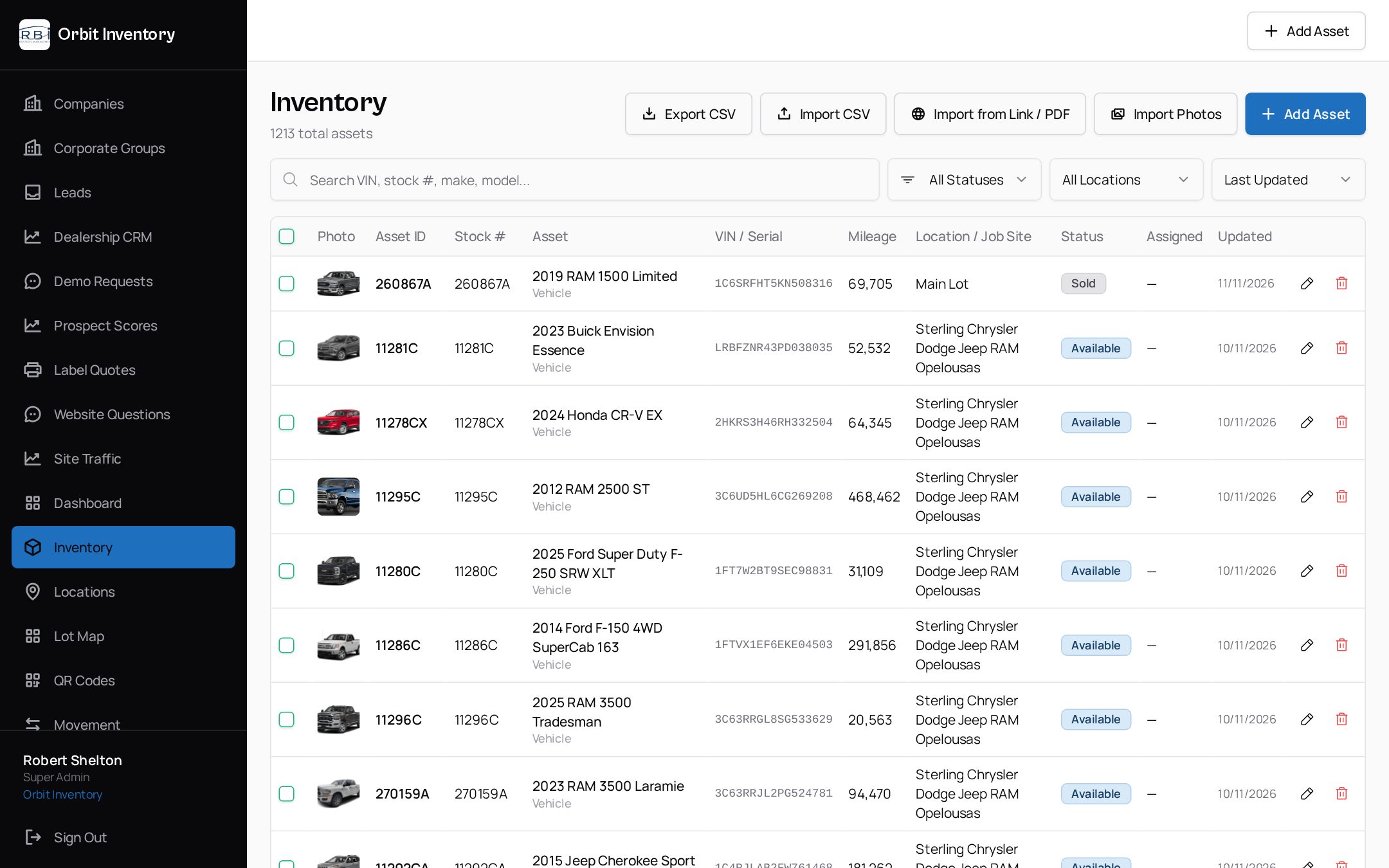
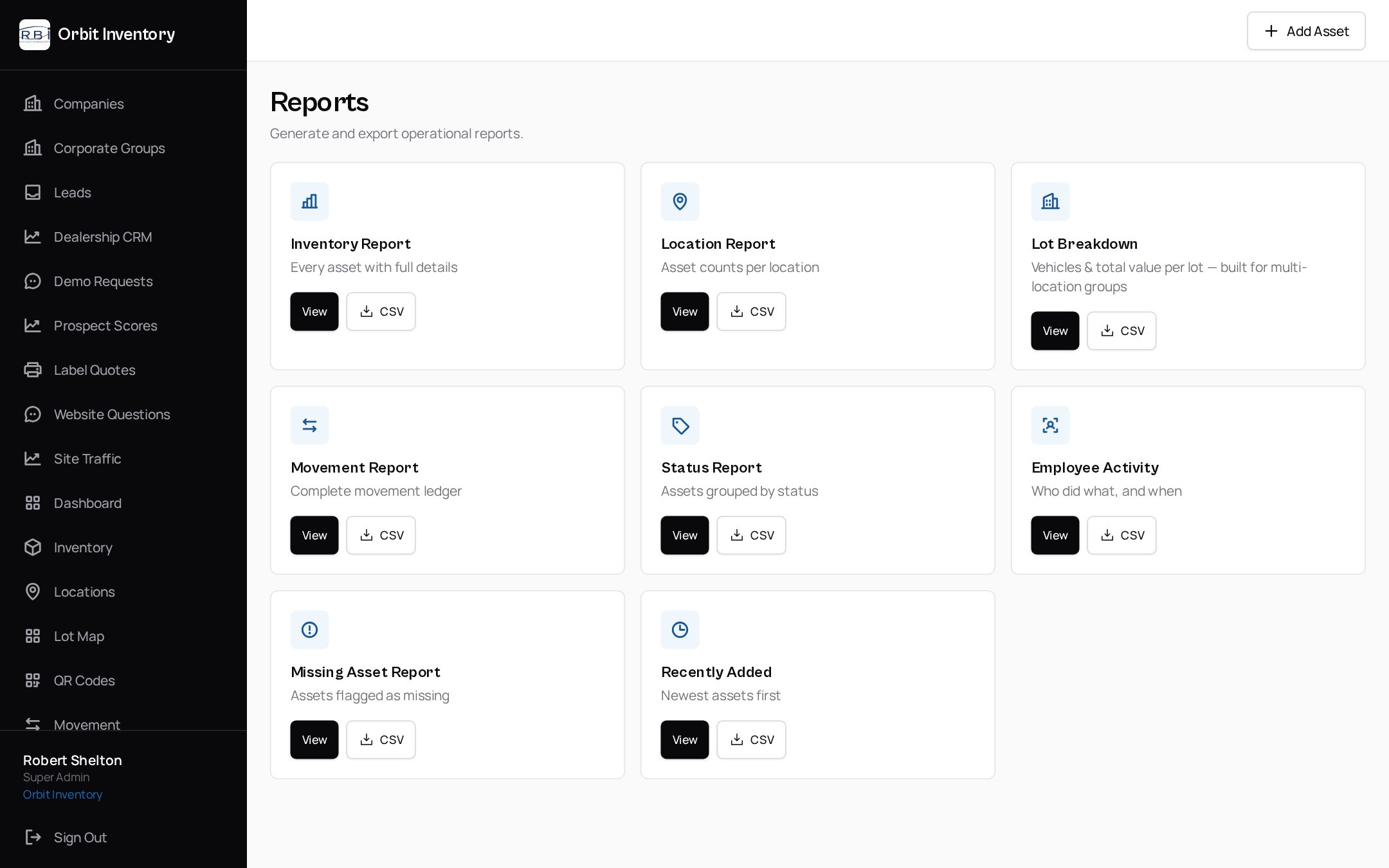
Real screens from Orbit — not mockups.
Related
We use essential cookies to run this site and keep you signed in. With your consent we may also use analytics to improve the product. See our Privacy Policy.