
Solution
Know where every vehicle is — and who moved it
Vehicles move between the front line, service, detail and off-site storage all day. Sales can't find units, keys get walked around the lot, and the CRM says a vehicle is here when it isn't.
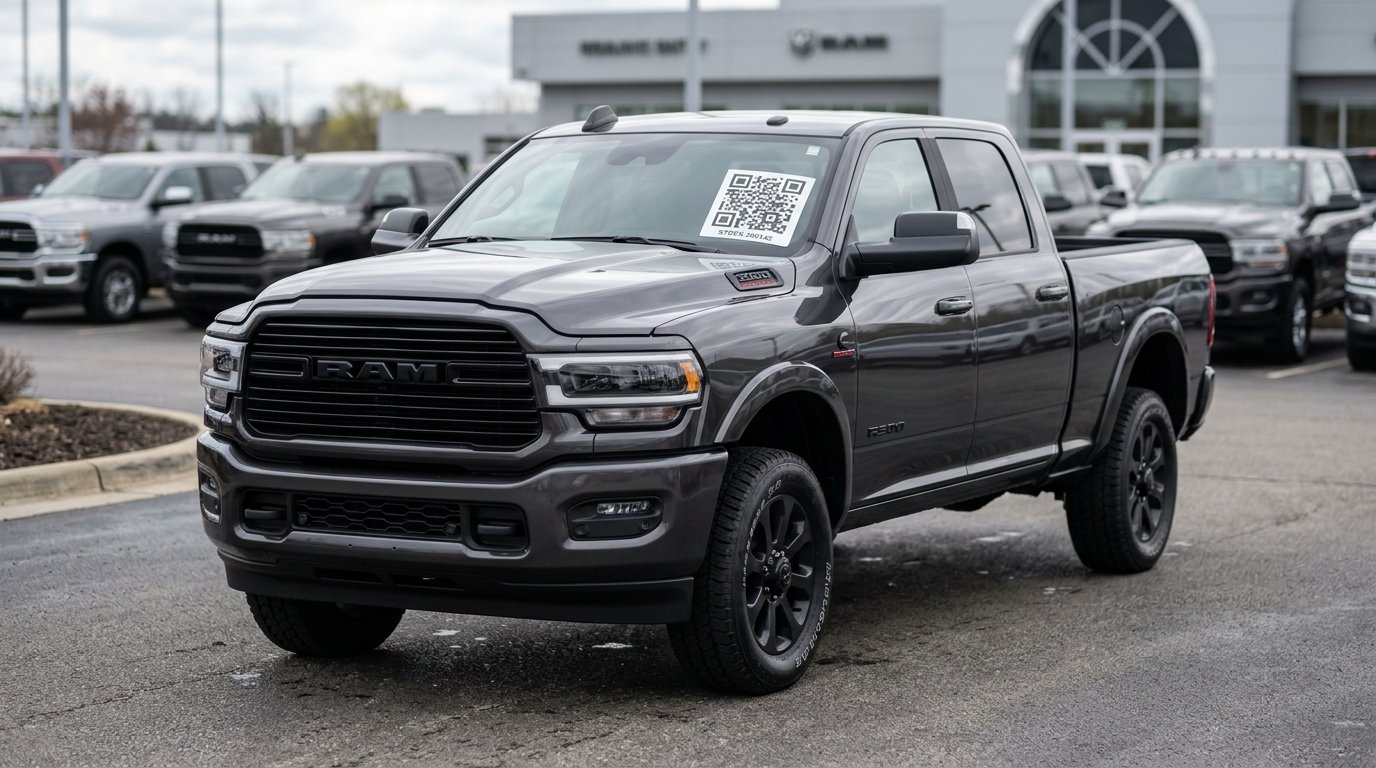
How it works with Orbit
- 1
Label each vehicle with a windshield or roll QR label
- 2
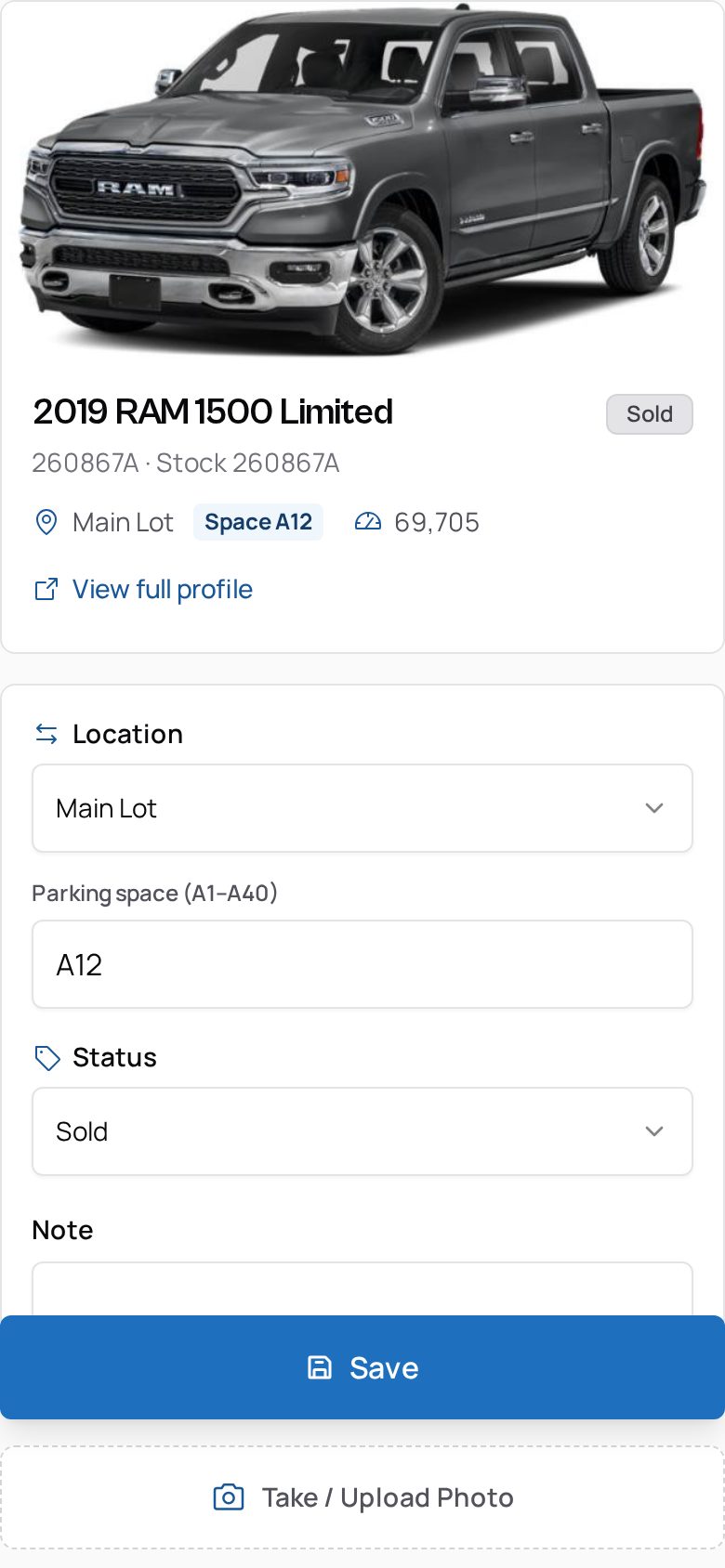
Scan to open the record: year, make, model, VIN, stock #, mileage, status
- 3
Record the lot and numbered parking space on every move
- 4
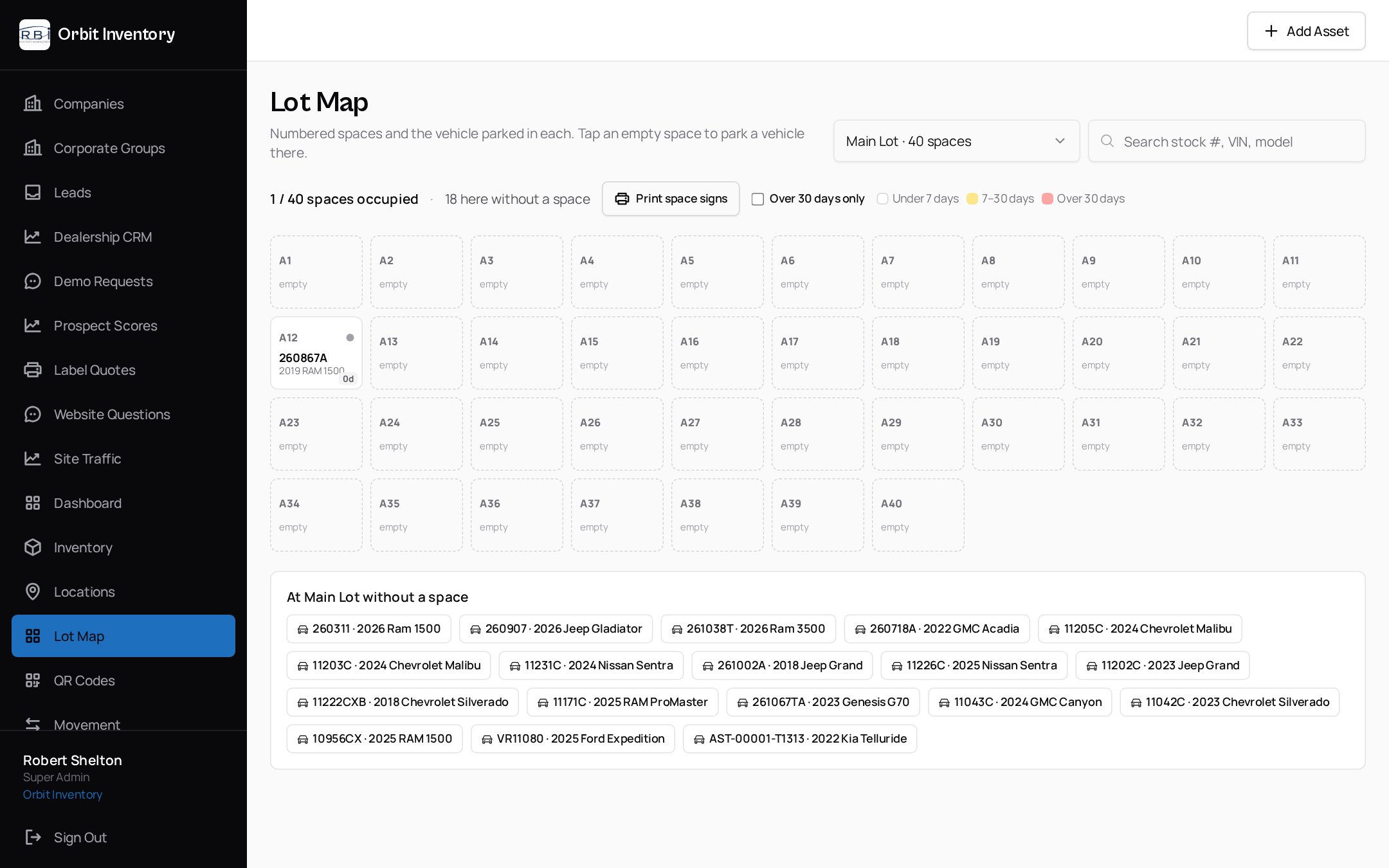
Search a stock number on the Lot Map to see its space instantly
What you get
- Numbered parking spaces with a visual Lot Map
- Aging per space so stale units stand out
- Movement history with the employee who recorded each move
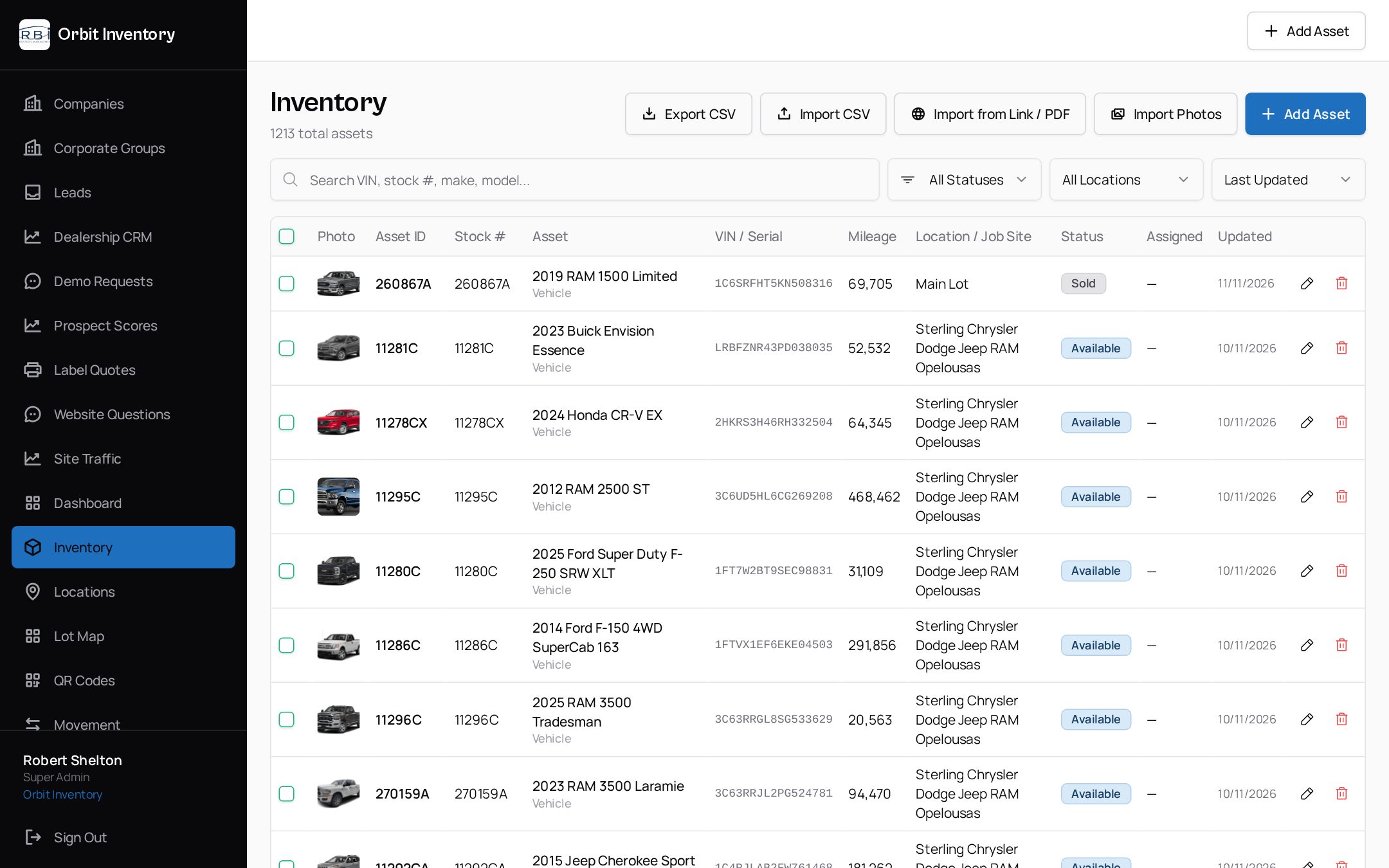
- Status tracking: available, in service, hold, sold, missing
- Inventory and missing-vehicle reports with CSV export
- Nightly inventory feed import for supported dealership feeds
See it on your own assets.
A 20-minute demo with a real label and a real phone — no slides.
See it in the app
Real screens from Orbit — not mockups.
Related
We use essential cookies to run this site and keep you signed in. With your consent we may also use analytics to improve the product. See our Privacy Policy.