
Solution
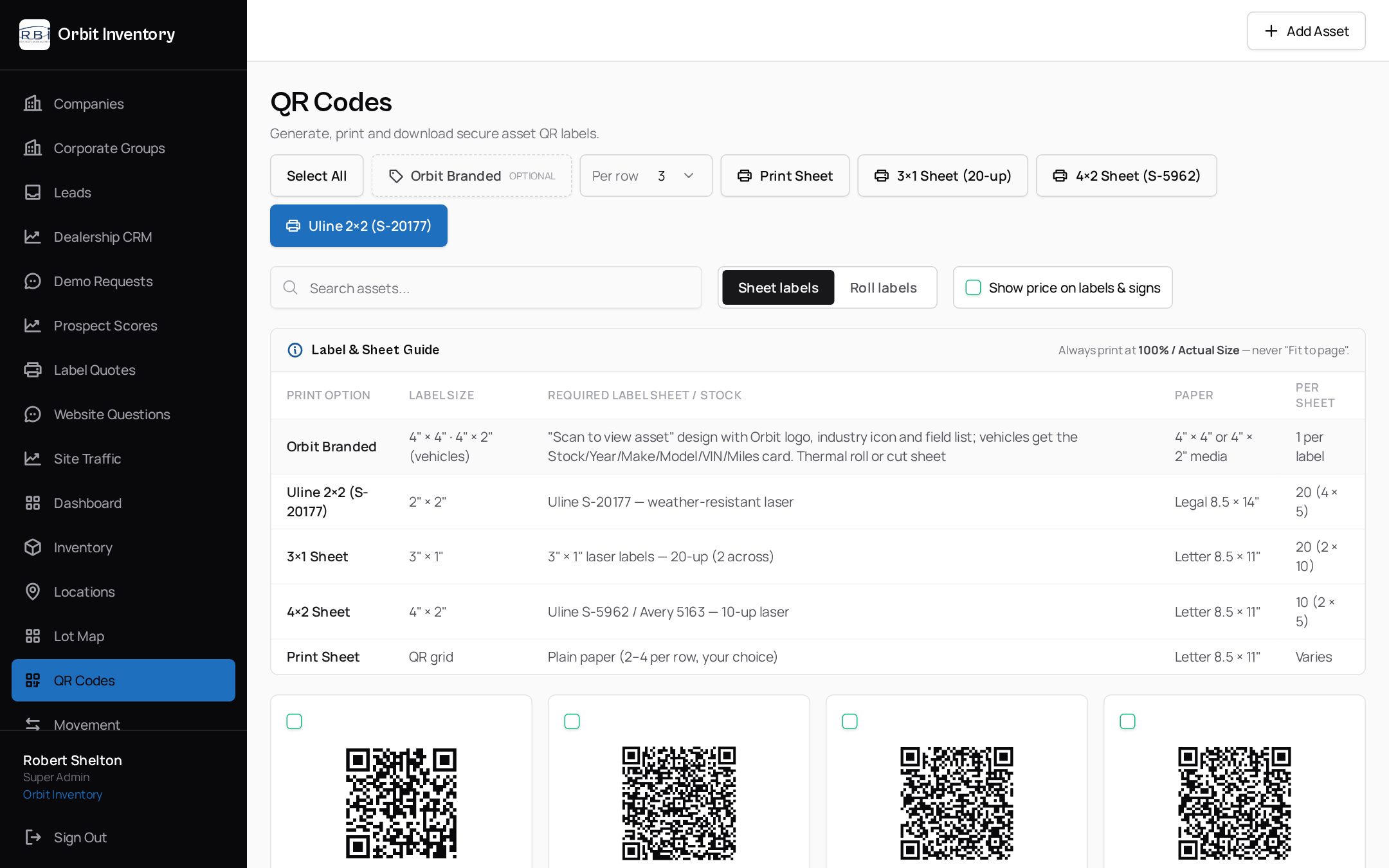
QR code labels for every asset and every printer
Handwritten tags fade, fall off and can't link to anything. You need labels that survive the lot or job site and open the right record on the first scan.
How it works with Orbit
- 1
Pick a format: sheet, roll, thermal, two-up, branded or sign
- 2
Toggle price display on or off for customer-facing labels
- 3
Preview exactly what prints, then print on your own printer
- 4
Or request print & ship / print & install from Orbit
What you get
- 4"×4" and 4"×2" thermal transfer labels
- Uline S-18447 3"×1" and S-8336 1"×1" roll labels
- Uline S-21870 2"×2" two-up labels and Avery-style sheets
- Branded Orbit designs with industry icons
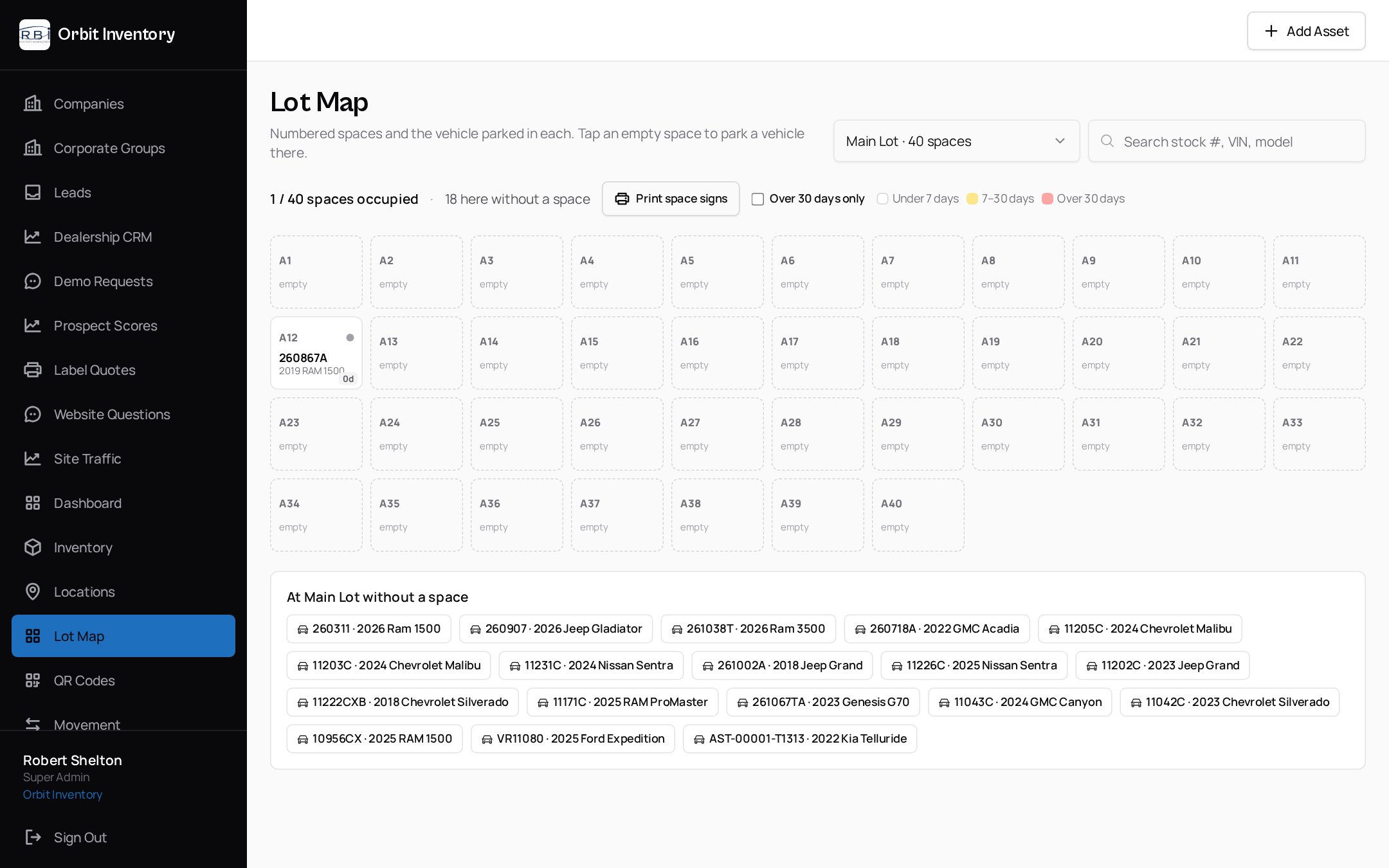
- Letter-size open-house and lot space signs
- Print & Ship $1.00/label · Print & Install from $2.99/asset
See it on your own assets.
A 20-minute demo with a real label and a real phone — no slides.
See it in the app
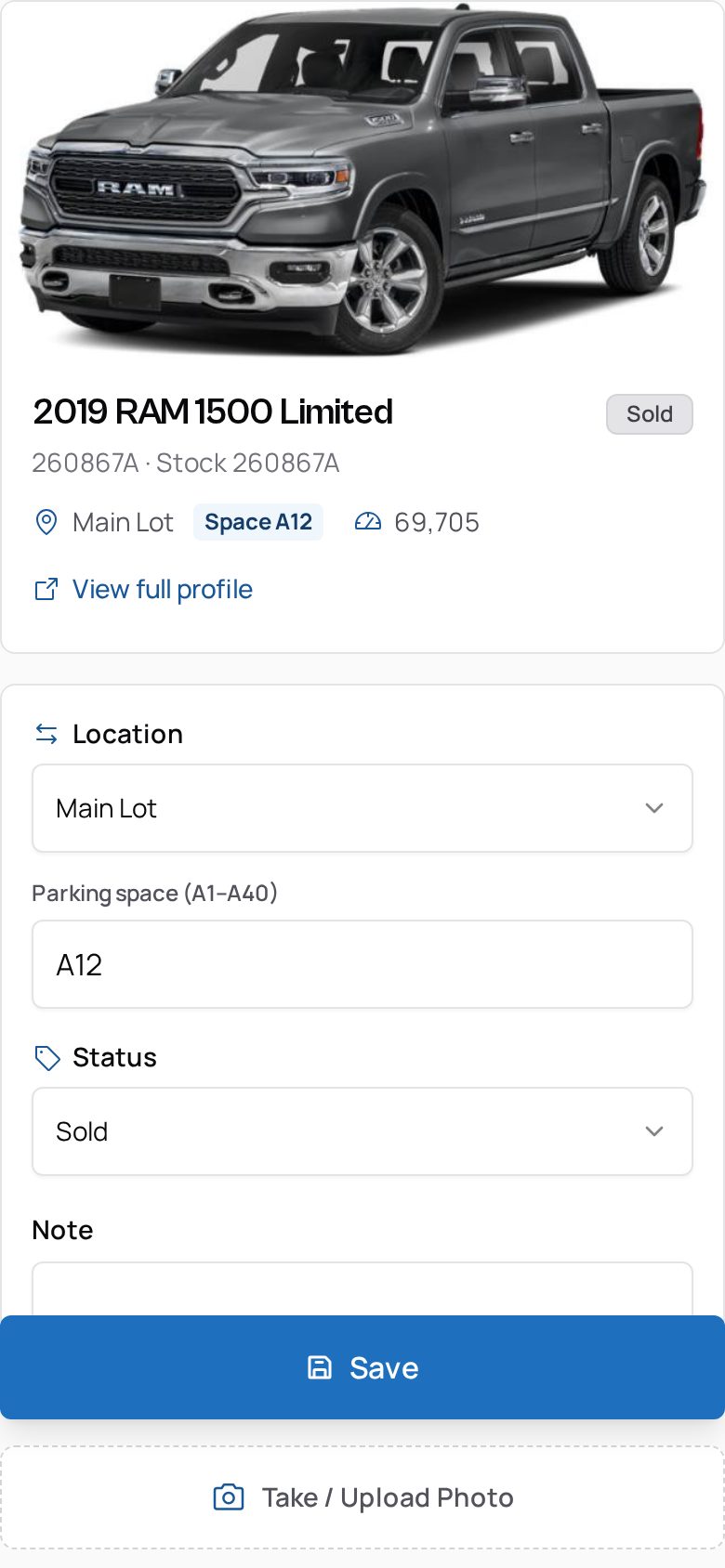
Real screens from Orbit — not mockups.
Related
We use essential cookies to run this site and keep you signed in. With your consent we may also use analytics to improve the product. See our Privacy Policy.