Solution
QR asset tracking that works with any phone
Teams lose time hunting for assets, re-typing details and relying on handwritten tags that fade or fall off. Nobody is sure where a unit was last seen or who moved it.
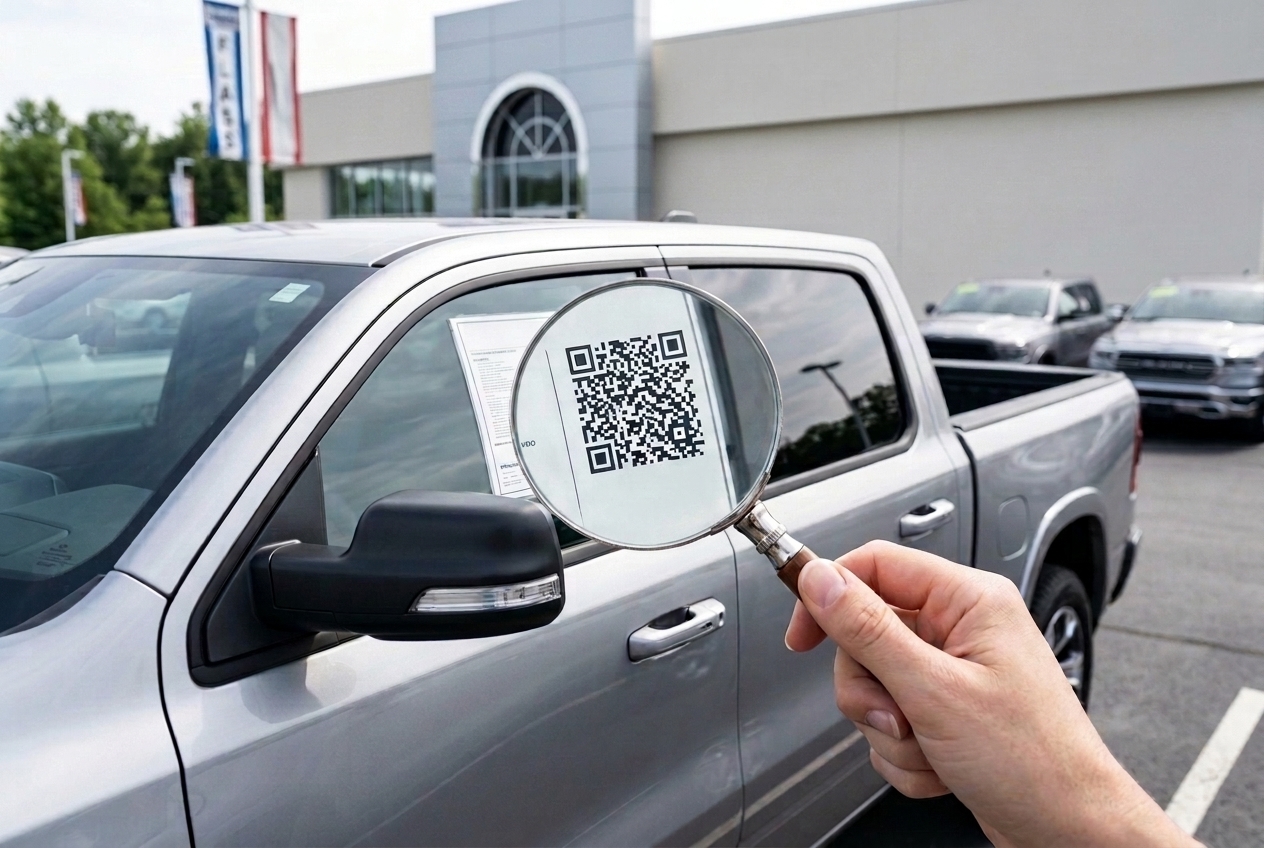
How it works with Orbit
- 1
Apply an Orbit QR label to the asset
- 2
Scan it with any phone camera — no app to install
- 3
See the record: details, photos, recorded location and history
- 4
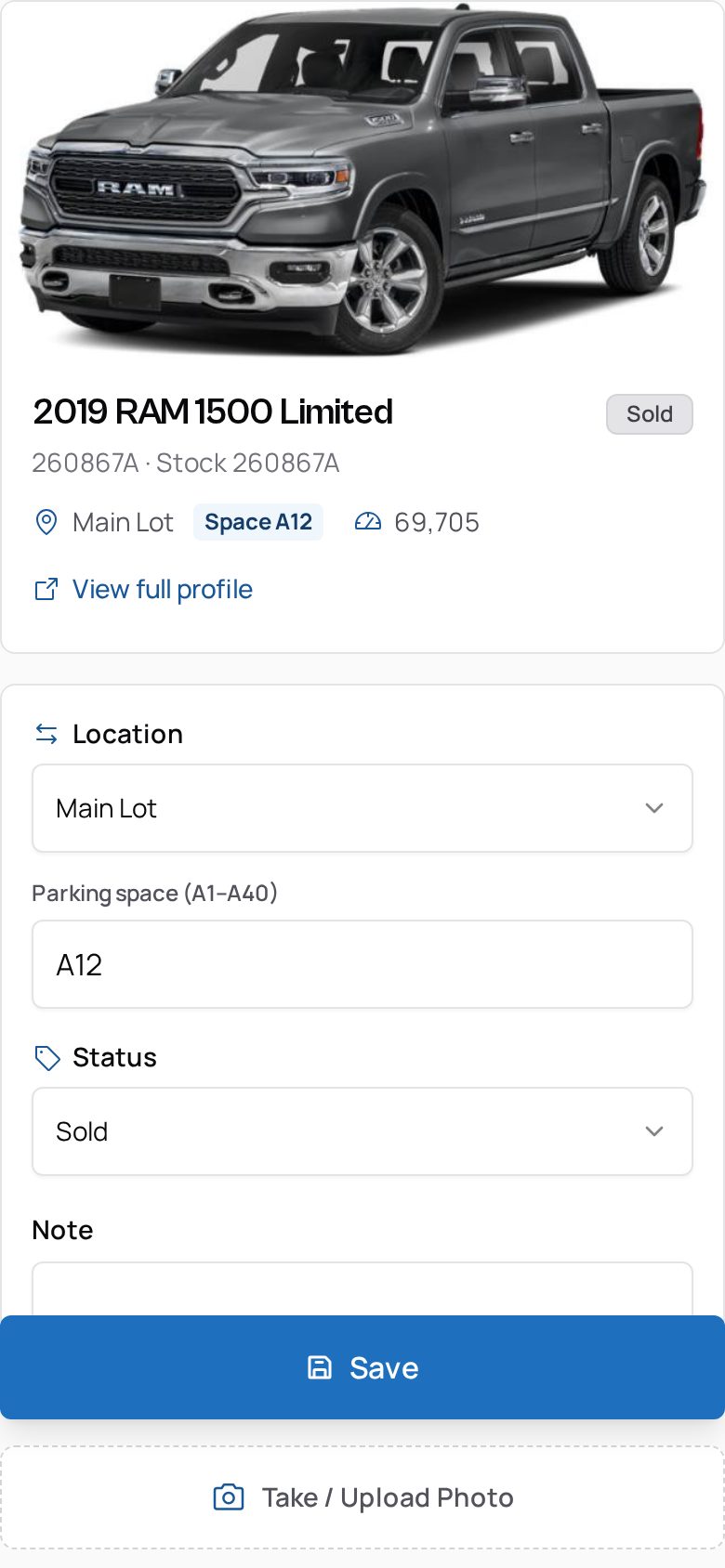
Update location, status, mileage or notes according to your role
What you get
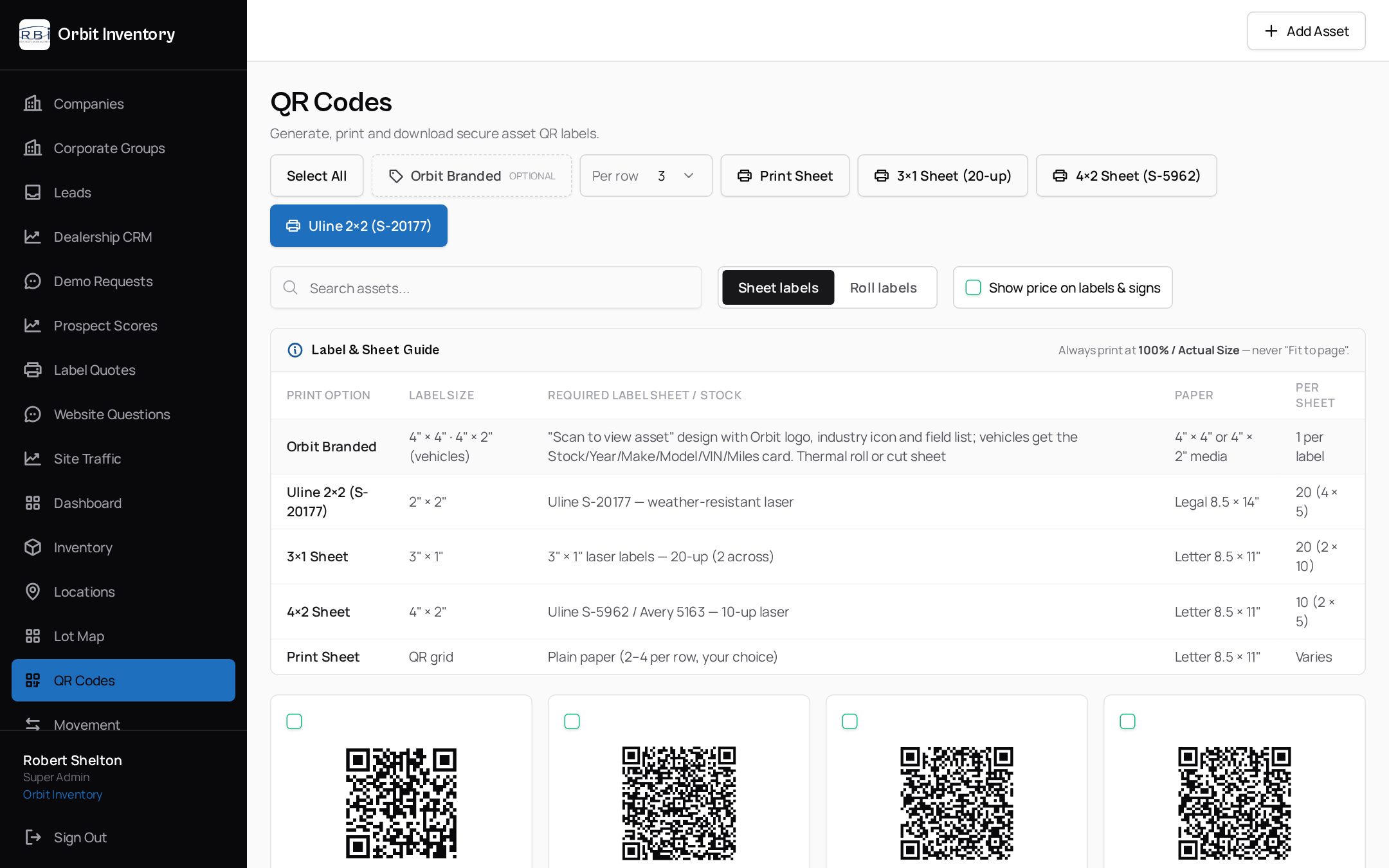
- Every asset gets a unique, durable QR label linked to its digital record
- Role-based access: admins, managers, employees and read-only users
- Photos and documents attached to each record
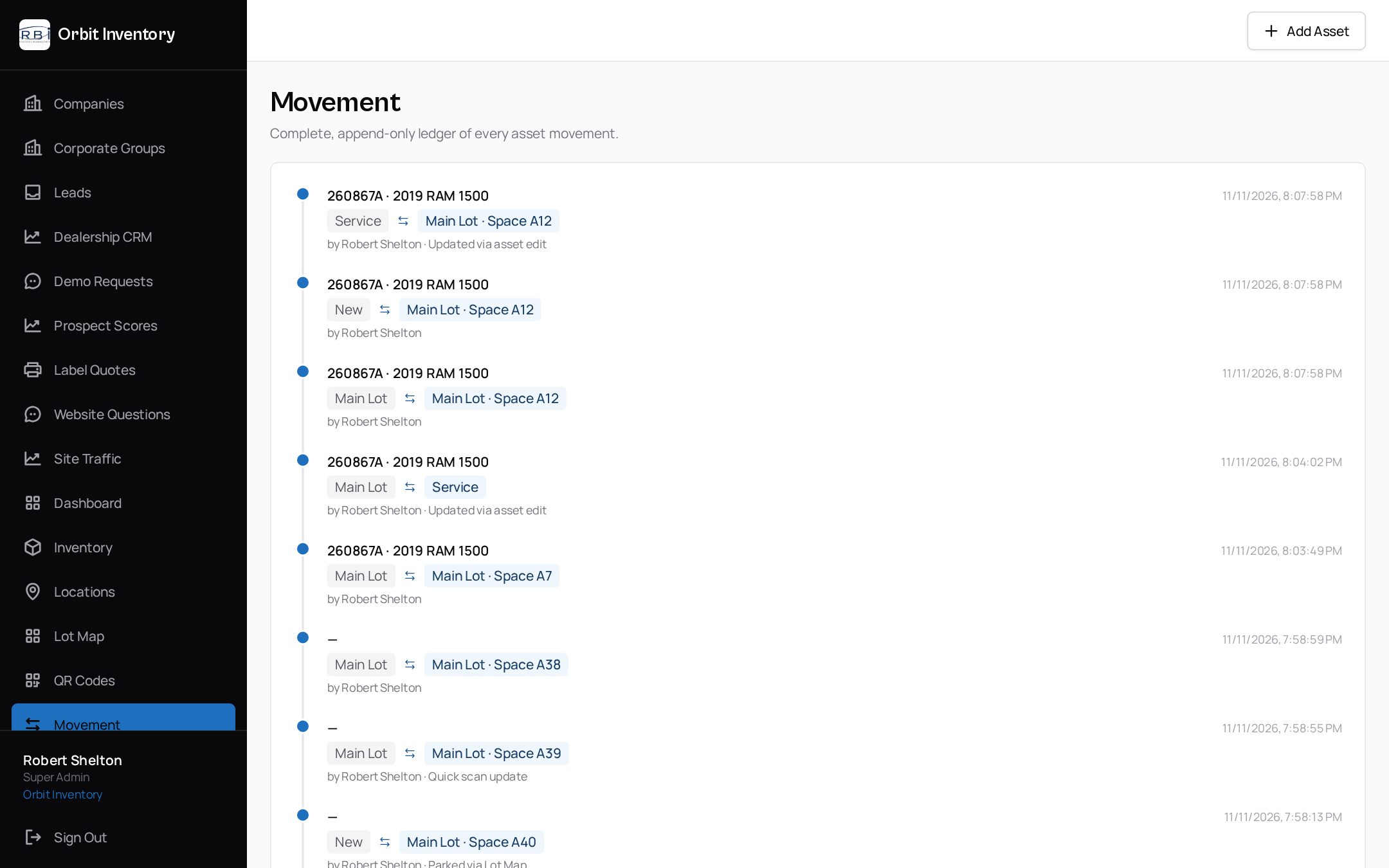
- Time-stamped movement history tied to the signed-in user
- Dashboard counts and inventory, missing-asset and activity reports
- CSV export of inventory and reports
See it on your own assets.
A 20-minute demo with a real label and a real phone — no slides.
See it in the app
Real screens from Orbit — not mockups.
Related
We use essential cookies to run this site and keep you signed in. With your consent we may also use analytics to improve the product. See our Privacy Policy.